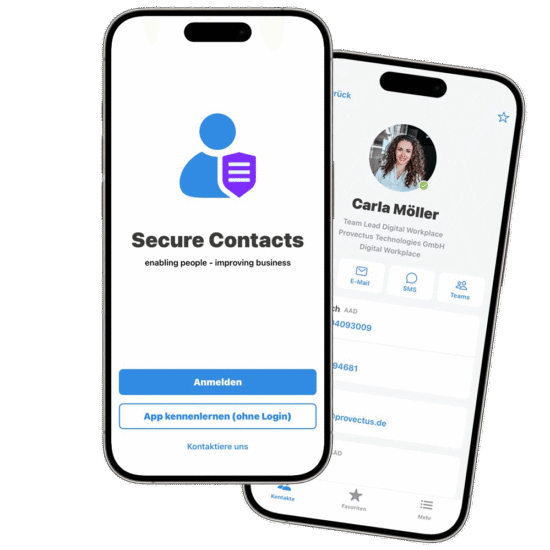
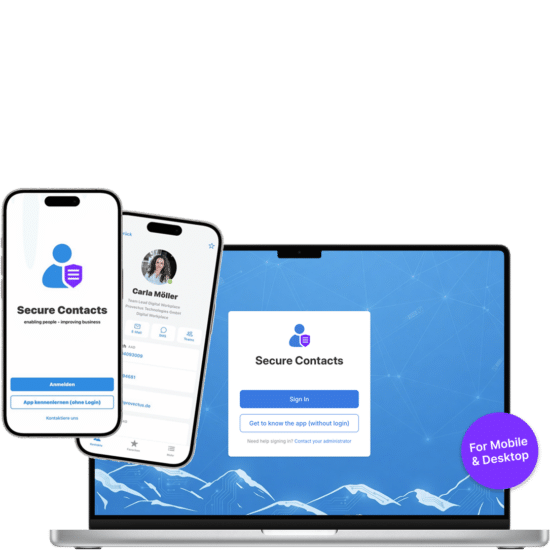
Secure Contacts Desktop App
All business contacts. Now available right on your desktop.
Request your beta license directly from us now and see for yourself the many benefits it offers for your day-to-day work.
The new desktop app now brings these features directly to Windows PCs and Macs—optimized for everyday work on a large screen.
Here’s a look at what you can expect, among other things:
- Search for, view, and manage business contacts in one place
- Display comprehensive contact information clearly on the desktop
- Start Microsoft Teams calls and chats, as well as emails, directly from your contacts
- See colleagues’ availability at a glance
- Quickly access favorites, recently used contacts, and saved searches
- Customizable dashboard with contacts, teams, appointments, and other information